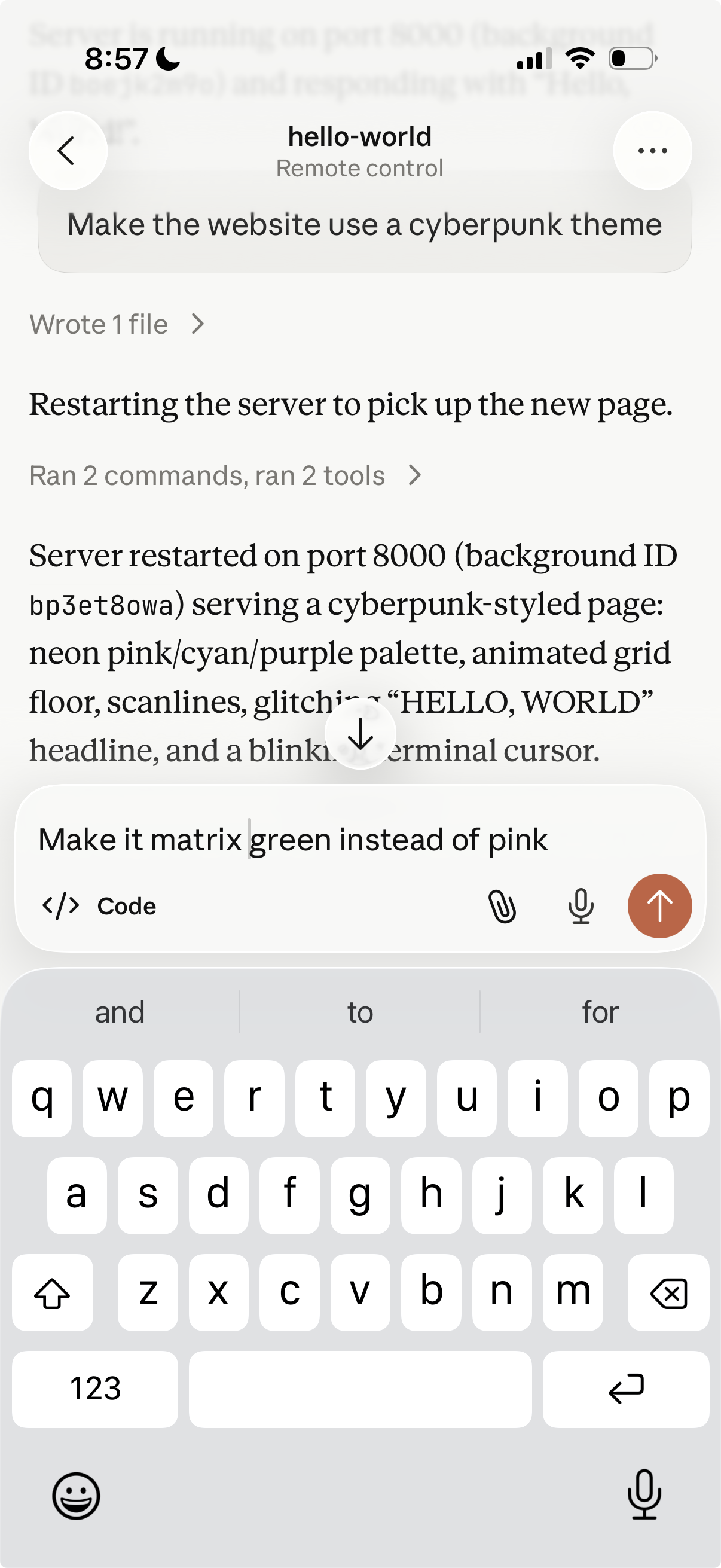
Claude Code Quality of Life Maxxing with Remote Control
A secure, always-on cloud computer plus Remote Control for Claude Code is continually on-call to ship an idea, fix a bug or perform research for you, in a way running it on your laptop will never be.
Claude Code is normally something you run on your laptop in an interactive terminal.
A recent feature Remote Control lets you continue a coding session from your phone, tablet, or browser through the Claude mobile, desktop or claude.ai/code web app.
If you move claude from your laptop to a cloud computer, and set up remote control, you have a 24/7 coding agent you can summon from any device at any time. One you experience this quality of life improvement it’s hard to go back.
This post walks through the setup we use at Housecat.
Pre-requisites
- A Claude Pro, Max, Team, or Enterprise subscription, since Remote Control doesn’t support API keys
- The Remote Control admin setting enabled at https://claude.ai/admin-settings/claude-code
- A Cloud Linux computer you can connect to and install software
- Claude Code v2.1.51 or later
1. Give your agent a 24/7 cloud computer
First your agent needs a real cloud computer to run on instead of your laptop.
We use exe.dev which gives you up to 50 virtual machines (VMs) with full SSH, root access, persistent disk and private HTTPS access for $20/mo. Fly.io Sprites and Hetzner have comparable offerings.
Running claude on a dedicated computer also provides the ultimate “sandbox”. It has absolutely no way to access your laptop’s files, operating system or browser. Compare this to trying to Use Claude Cowork safely on your laptop which lays out serious risks.
Create your computer, SSH in, and continue from there. On exe.dev this takes ~10 seconds!
% ssh exe.dev -C "new --name claude-remote"
Creating claude-remote...

Coding agent
https://claude-remote.shelley.exe.xyz

App (HTTPS proxy → :8000)
https://claude-remote.exe.xyz

SSH
ssh claude-remote.exe.xyz

% ssh claude-remote.exe.xyz

You are on claude-remote.exe.xyz. The disk is persistent. You have 'sudo'.
For support and documentation, "ssh exe.dev" or visit https://exe.dev/
ssh into exe.dev to manage the HTTP proxy and sharing for this VM

exedev@claude-remote:~$
2. Set your agent free
A fresh install of Claude Code has many interactive prompts for settings, questions, and security confirmations. None of these are necessary for your agent on the sandbox computer. Pre-seed the claude config so the agent starts on its first run.
First install or update Claude Code:
# install the CLI
$ curl -fsSL https://claude.ai/install.sh | bash
✅ Installation complete!

# or update pre-installed on exe.dev
$ claude update
Successfully updated from 2.1.118 to version 2.1.128
Next update the settings to acknowledge all the first run questions and to set permissions.
The bypassPermissions and skipDangerousModePermissionPrompt are scary, so only do this on a sandbox VM you consider disposable. This will let the agent do anything to the computer, which is the point, but it means everything sensitive on the computer is in scope. This is safe on your sandbox with no data or secrets, but generally not ok on your laptop.
$ cat <<EOF > ~/.claude.json
{
  "customApiKeyResponses": {
    "approved": [],
    "rejected": []
  },
  "hasCompletedOnboarding": true,
  "hasUsedRemoteControl": true,
  "projects": {
    "/home/exedev": {
      "hasTrustDialogAccepted": true
    }
  },
  "remoteDialogSeen": true,
  "theme": "auto"
}
EOF

$ cat <<EOF > ~/.claude/settings.json
{
  "permissions": {
    "defaultMode": "bypassPermissions"
  },
  "skipDangerousModePermissionPrompt": true
}
EOF
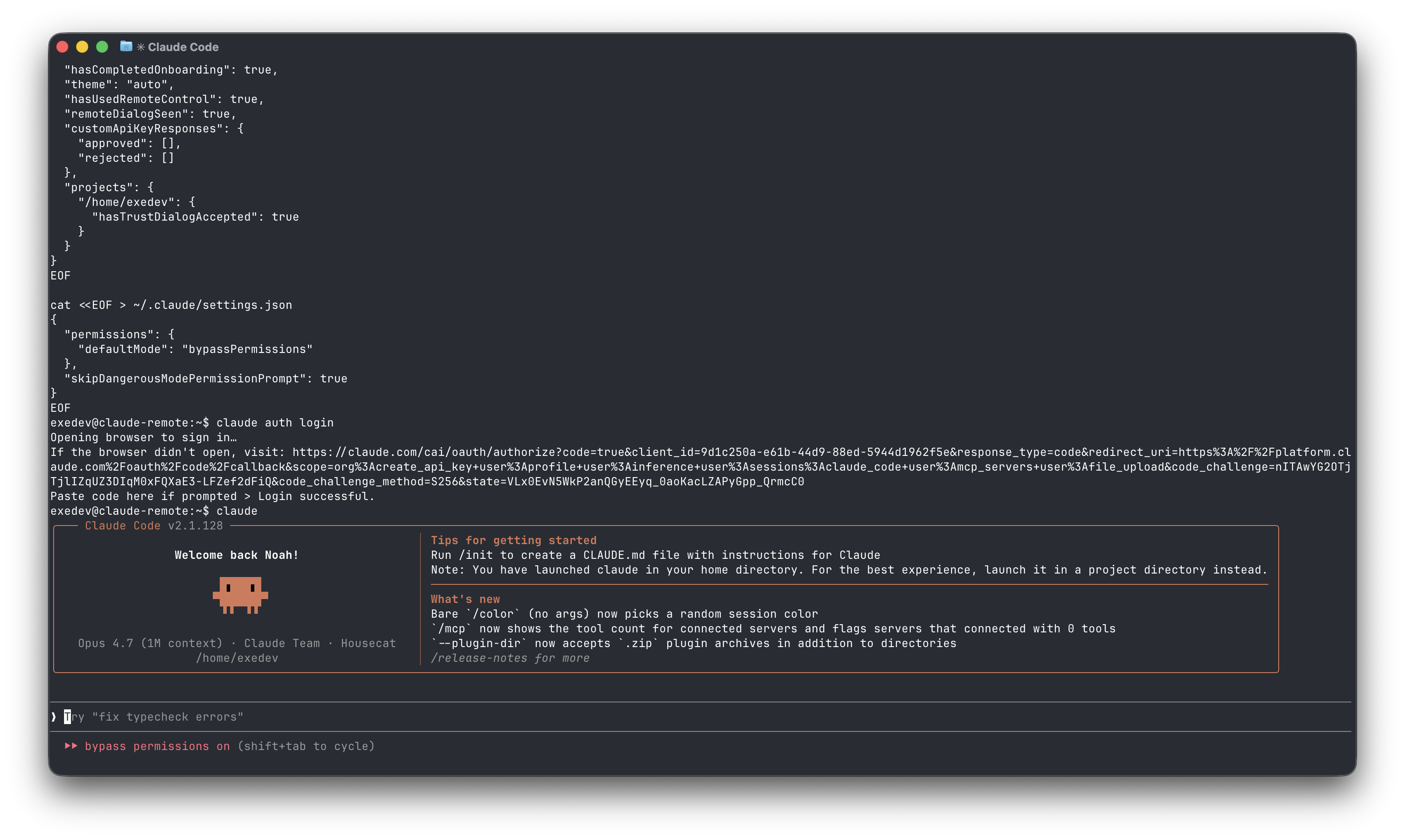
Now login to your subscription and run claude.
$ claude auth login
Opening browser to sign in…
If the browser didn't open, visit: https://claude.com/cai/oauth/authorize...
Paste code here if prompted >

$ claude
Claude Code v2.1.128
❯  Try "fix lint errors"
⏵⏵ bypass permissions on
3. Start a Claude Remote Control session in tmux
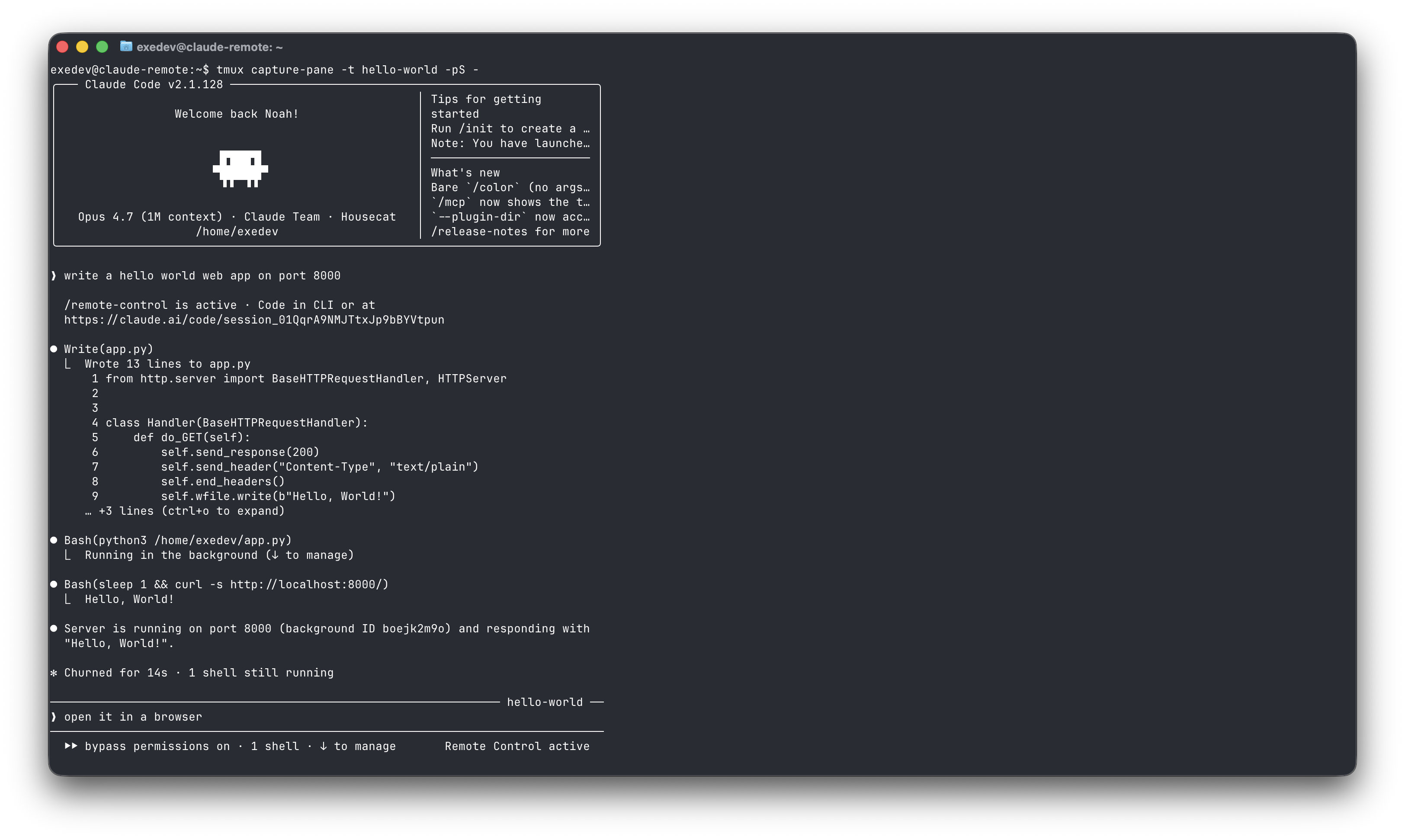
The claude process has to run for as long as you want the remote control session to work. You can run it under tmux the defacto Linux tool to keep terminal sessions running continually in the background.
# Spawn `claude --remote-control` in a tmux session with the prompt baked in.
$ tmux new-session -d -s hello-world -c /home/exedev -- \
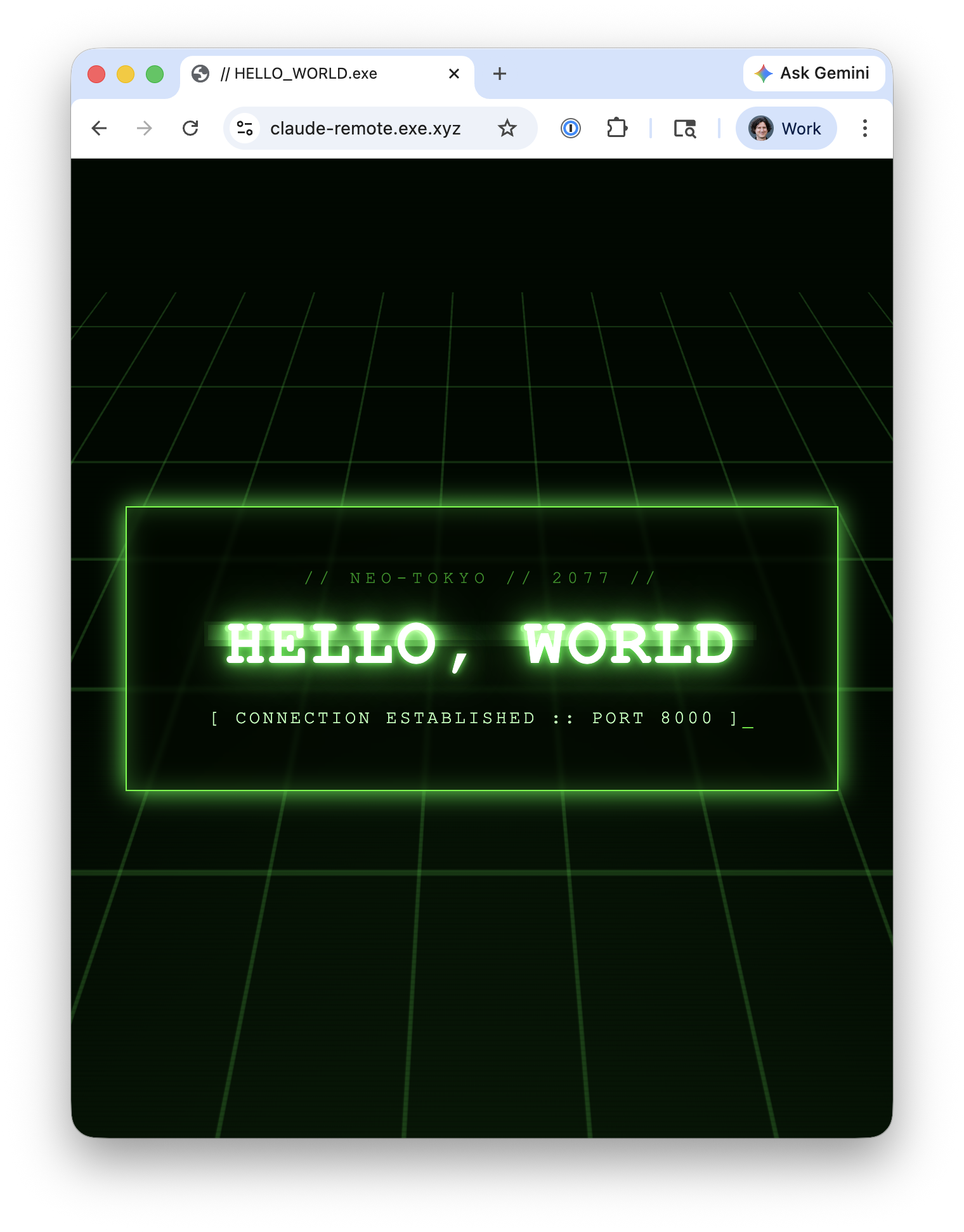
  claude --remote-control -n hello-world "write a hello world web app on port 8000"

# capture the output to find the remote control URL
$ tmux capture-pane -t hello-world -pS - | grep session_
  https://claude.ai/code/session_01DAg8NkfT8xonXBy9ua1eTc
4. Take control on your phone or desktop
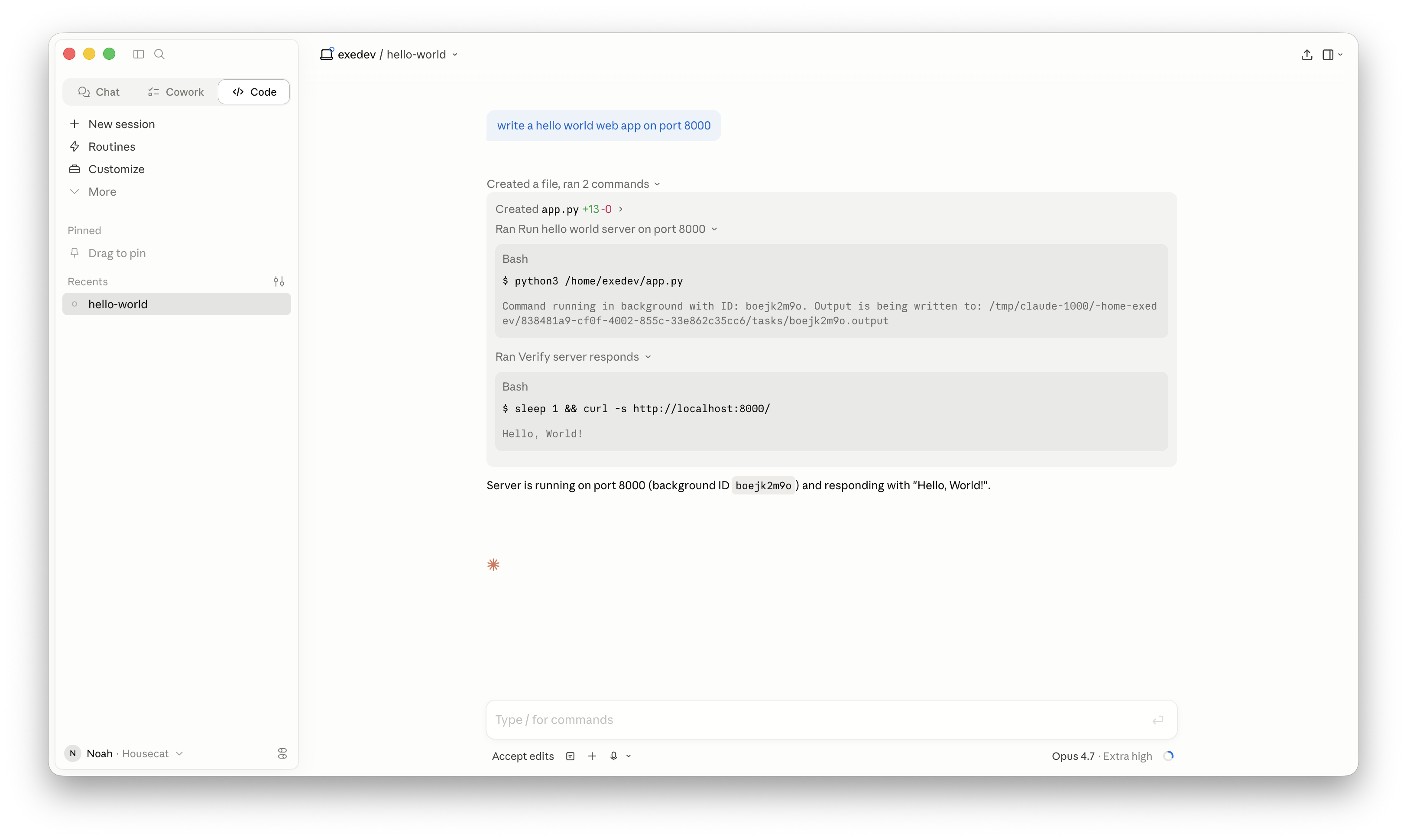
Open the URL in your browser, or open your Claude Desktop / iOS / Android app and go to Claude Code and you’ll see your “hello-world” session.
Now you can code from your phone with no permission checks in your way.
5. Managing cloud sessions
Between tmux and Claude Code saving session data to ~/.claude/projects/<dir>/<session-uuid>.jsonl you can stop and resume sessions later.
# kill the hello-world session
$ tmux kill-session -t hello-world

# resume the session
$ tmux new-session -d -s hello-world -c /home/exedev -- \
  claude --remote-control --resume "hello-world"

$ tmux capture-pane -t hello-world -pS - | grep session_
/remote-control is active · Code in CLI or at https://claude.ai/code/session_01PnWe9HY1uKvEWphYPGrvGU
Putting it all together
Agents thrive on a dedicated 24/7 secure sandbox computer. You thrive when you can summon your agent from your phone on the bus, when reading emails, or when inspiration for any idea strikes.
A Claude subscription, Claude Code, Remote Control, exe.dev and tmux make this a reality. Some ideas to try from here:
- Vibe code a chat bot or web UI to spin up and down more remote control sessions
- Configure push notifications when Claude finishes a task or needs a decision.
- Copy a bug report from email or Slack into a session to triage or fix it
- Kick off a long refactor before bed, check on it from your phone over breakfast
Housecat builds tools for small teams that want to work efficiently with agentic systems like Claude Code. If that sounds useful, come say hi.